Easy Cloud Billing Software for Retail Shops & Small Businesses
Make retail billing easier with mobile and desktop access, barcode checkout, inventory, GST reports and Udhaar tracking
A modern retail shop owner may start the day at the billing counter, check stock before placing a purchase order and review sales reports from a phone while travelling. The business cannot depend on one notebook, one desktop computer or one person remembering every transaction. It needs a system that is simple enough for staff and accessible enough for the owner.
Try Elite Billing — Just ₹399 Per Year
Affordable billing software for growing businesses.
That is the purpose of easy billing software for retail shops. The goal is not to add complexity. It is to make the important daily actions clear: select or scan a product, create a GST invoice, update stock, record payment status, follow customer dues and review performance. Elite Billing brings these workflows together through cloud-connected billing for small businesses.
Make retail billing effortless
Start using Elite Billing on your cloud dashboard and see how billing, inventory, customers and reports work together.
Create Free AccountView Live DemoWhat makes billing software truly easy for retail shops?
“Easy” should describe the complete experience, not only the colour of a dashboard. An easy retail billing app should help a new cashier understand the next action without requiring an accounting expert for every invoice. It should also make the owner’s review work simpler after the sale is complete.
Simple setup and clear product records
Start with the products that the shop actually sells. Add names, prices, tax details, units and barcode values where required. Clean product records improve the quality of every later invoice and stock report.
Fast checkout for busy counters
Retail customers do not want long waits while staff search through handwritten lists. Barcode scanning and quick product selection can reduce manual entry, improve consistency and help the cashier complete multi-item bills faster.
Professional invoices without unnecessary steps
The invoice should contain the business and customer details needed for the transaction and present them clearly. Elite Billing supports professional document presentation through customizable invoice styles, including seven custom invoice templates for businesses that want a consistent brand appearance.
Useful access for owners and staff
Cashiers, managers, owners and accountants may not need the same permissions. Multi-user access helps the business divide responsibilities while keeping the billing records in one connected system.
The power of cloud billing: run your business from anywhere
Cloud billing software for small business gives the owner a more flexible way to review operations. Instead of waiting to return to the shop’s main computer, the owner can use a supported mobile or desktop device to check sales activity, inventory information, customer records and reports.
Cloud access is especially useful when the owner manages purchasing, visits suppliers, checks another branch or works away from the counter. It also supports better conversations with staff because the owner can review the same business records instead of depending only on verbal updates.
What cloud-connected access can improve
- Review daily sales and business reports while away from the counter.
- Check product and stock information before making a purchase decision.
- Look up customer history and pending credit when a customer calls.
- Give authorized team members access according to their role.
- Keep billing, purchases, expenses and reports connected in one workflow.
Cloud access does not replace good account security or staff discipline. Use strong account controls, assign appropriate user roles and review important records regularly.
Essential features for growing retail businesses
Barcode scanning and fast product lookup
Barcode support helps the cashier identify a product quickly and reduces repeated typing. For the workflow to work reliably, product barcodes must be entered correctly and staff must use the scanner with the right billing field selected. Barcode billing is most valuable when it is connected to product, price, GST and inventory records.
Real-time inventory visibility
Retail owners need to know more than total sales. They need to understand which products are available, which items are moving quickly and which products may need attention. Sales and purchase workflows connected to product records can make stock review more useful and reduce dependence on a separate stock notebook.
GST invoices and auditor-ready reports
GST billing should be part of the normal sales process rather than a correction task at the end of the month. Organized invoices and business reports make it easier to review tax-related information with an accountant or auditor. Your tax professional should validate the final filing treatment for your business.
Customer credit or Udhaar tracking
When a retail shop sells on credit, customer records and payment follow-up help the owner see pending dues clearly. Instead of relying on memory, the business can review invoice history, customer details and payment status before making another credit decision.
Multi-user roles and secure access
A cashier may need sales access, a manager may need stock and reports, and an accountant may need financial records. Role-based access helps a growing shop maintain control without making every person a full administrator.
Job cards and appointments for service-linked retailers
Some retail businesses also repair phones, laptops, electronics or equipment. Job cards can capture service intake and progress, while appointments help organize scheduled customer visits. These tools allow one platform to support both selling products and managing service work.
Why easy software improves staff adoption
Software adoption is an operational issue. If a cashier feels that every bill requires too many screens, staff may return to manual notes or ask the owner to complete routine tasks. A clear workflow gives the team confidence: find the product, confirm the quantity, complete the invoice and move to the next customer.
Training is still important, but the training can focus on the shop’s real process rather than every available feature. Begin with product setup, billing, barcode scanning, payment status and basic reports. Add purchase, stock, customer credit and expense workflows as the team becomes comfortable.
How to choose the right cloud billing software for a small business
- Test a real invoice: Use the products, taxes and payment methods your shop handles every day.
- Test barcode lookup: Confirm the scanner, barcode values and product results before peak hours.
- Review stock movement: Check what happens after a sale and after a purchase entry.
- Review customer credit: Confirm that outstanding dues and invoice history are easy to find.
- Check mobile and desktop access: Test the owner and staff workflows on the devices they actually use.
- Check reports: Confirm that the owner and accountant can review useful sales, GST, stock and expense information.
- Check the total cost: Include users, support, setup, training and any required hardware.
The best software is not the one with the most buttons. It is the one that helps the business complete routine work accurately and gives the owner a clear view of what is happening.
Why Elite Billing is built for everyday retail work
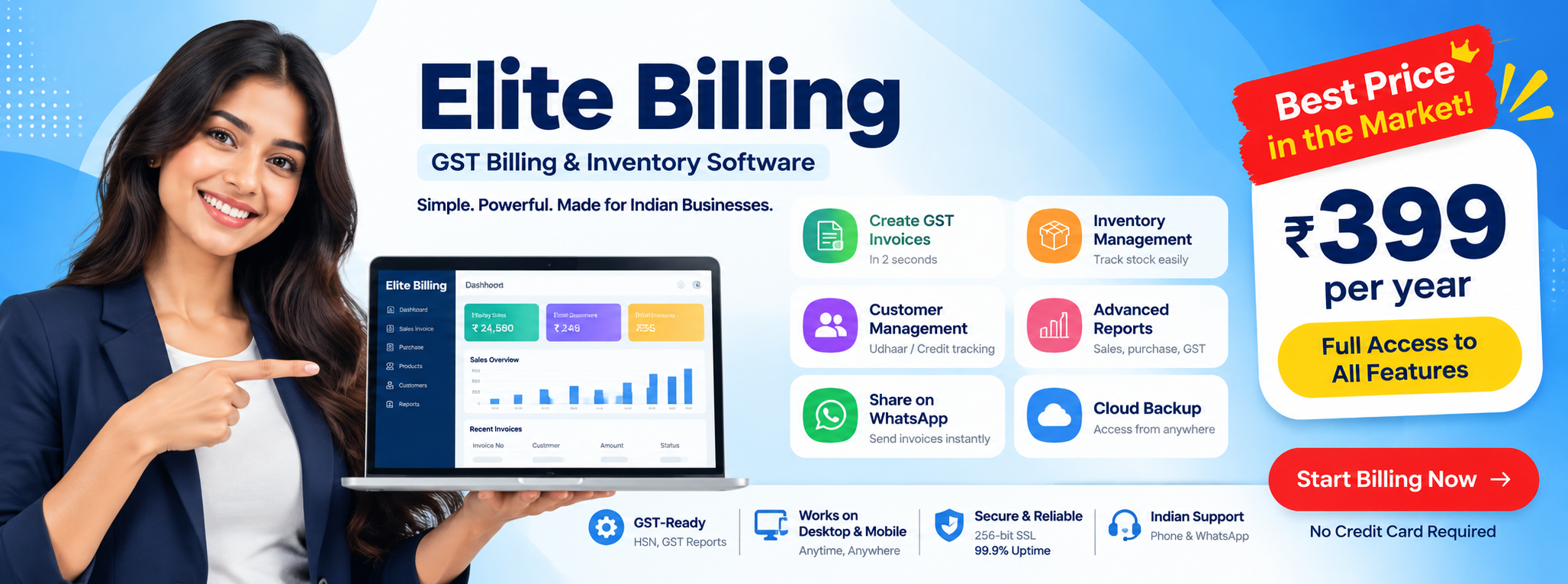
Elite Billing combines sales invoices, products, barcode workflows, purchases, inventory, customers, suppliers, expenses and reports. The cloud-connected model gives owners mobile and desktop access, while multi-user tools help teams work with clearer responsibilities.
The platform also supports GST reporting, professional invoice presentation, customer Udhaar tracking, job cards and appointments where relevant. This makes it suitable for a small retailer that wants to begin with billing and gradually organize more of the business without adopting an unnecessarily complicated system.
If you are also comparing barcode-focused tools, read our guide to low-cost barcode billing with inventory and credit tracking. For the broader budget decision, see our guide to low price billing software for small businesses.
Frequently Asked Questions
Can I access my retail reports on my mobile phone?
Yes. Elite Billing is designed for cloud-connected access across supported mobile and desktop devices, allowing authorized users to review billing and business reports away from the counter.
How fast can my staff learn to use Elite Billing?
Training time depends on staff experience, product setup and the shop’s workflow. Most teams can begin with the core process of selecting products, scanning barcodes, creating invoices and reviewing basic records before learning advanced features.
What makes cloud billing useful for a small business?
It can give the owner access to current business information across supported devices, reduce dependence on one computer and connect billing with stock, customer records, expenses and reports.
Does Elite Billing support GST and inventory?
Yes. Elite Billing supports GST-ready invoices, product records, sales and purchase workflows, stock visibility and business reports for retail and small-business operations.
Can a retail shop manage Udhaar and staff access?
Yes. Customer records and payment follow-up workflows support credit visibility, while multi-user access helps owners assign appropriate access to cashiers, managers and accountants.
Conclusion: make retail billing simple and connected
Retail software should give the owner freedom, not another daily burden. An easy cloud billing system helps staff bill customers faster while allowing the owner to review sales, stock, GST information and pending credit from supported devices.
Elite Billing brings barcode billing, inventory, GST reports, Udhaar tracking, multi-user access, professional invoice templates and service workflows into one cloud-connected platform. View a free demo and test whether it fits your shop’s actual counter and management routine.