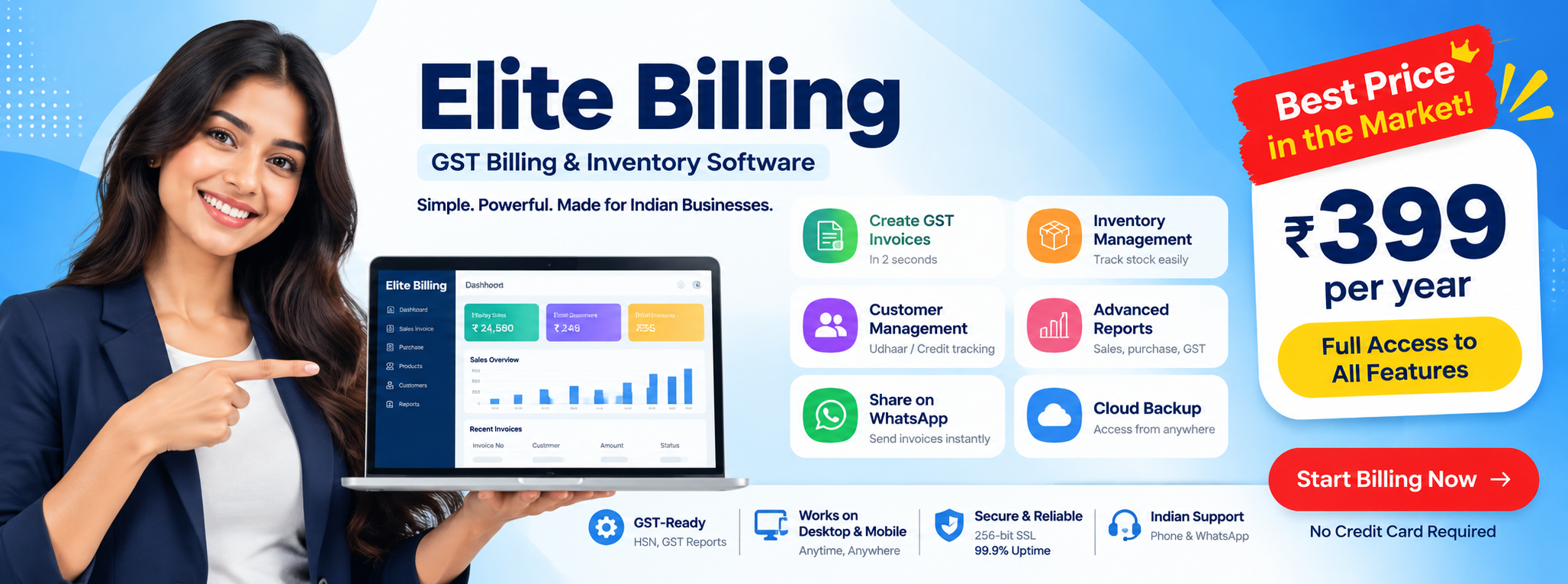
Low Cost Barcode Billing Software with Inventory & Credit Tracking
Built for retail shops, wholesalers, traders and service businesses that want faster billing without losing control of stock or customer dues
In a busy store, slow item lookup creates a queue. Manual product entry causes billing errors. When sales are written in one book and stock is maintained in another, the owner cannot easily tell what is available, what needs to be reordered or which products are selling. Customer credit, commonly called Udhaar, creates another problem when outstanding payments are tracked only on paper.
Try Elite Billing — Just ₹399 Per Year
Affordable billing software for growing businesses.
That is why businesses search for low cost barcode billing software that combines checkout speed with inventory and credit tracking. Elite Billing brings these workflows together with GST-ready invoices, product records, barcode lookup, stock management, customer and supplier records, reports, expenses, quotations and cloud-connected access.
Upgrade your store without breaking the budget
Book a demo to see how barcode billing, stock visibility and customer credit workflows can work together.
Book a Free DemoCreate Free AccountWhy modern stores need barcode billing and inventory together
A barcode is useful because it identifies a product quickly and consistently. Instead of searching through a long list or typing a product name, the cashier can scan the item and add the matching product to the invoice. This is especially valuable during peak hours when a few seconds saved on every item can reduce counter delays.
Barcode scanning also reduces one common source of error: selecting the wrong product or entering the wrong quantity. It does not remove the need for correct product setup, staff training or periodic stock checks, but it makes the normal sales workflow faster and more repeatable.
What barcode billing should help you do
- Save barcode details against products.
- Find products quickly during sales billing and purchasing.
- Reduce manual item lookup and typing at the counter.
- Keep product prices, tax details and stock records connected.
- Review sales and stock reports after billing is completed.
Real-time inventory control prevents avoidable stock problems
Barcode billing is only half the solution. A store also needs inventory visibility after the invoice is created. In an integrated workflow, sales reduce stock and purchase invoices increase stock for existing products. This gives the owner a more useful view than a barcode list that is not connected to business movement.
Inventory management software should help answer practical questions: Which products are running low? Which items sell frequently? Did a recent purchase reach the expected quantity? Is the stock figure different because of a missed purchase entry, return or adjustment? Reports and regular reconciliation help the owner act before a small mismatch becomes a costly shortage.
Manage customer credit or Udhaar without the stress
Credit sales are part of everyday business for many Indian retailers and wholesalers. The risk is not the existence of credit; the risk is unclear information. If the amount, invoice date, customer name and payment history are scattered across notebooks, follow-up becomes uncomfortable and cash flow becomes unpredictable.
GST billing software with credit tracking should connect the invoice with the customer record. That makes it easier to see who has pending dues, review the transaction history and send a professional reminder. Customer and supplier management also gives the owner a clearer view of both money coming in and purchases going out.
A simple Udhaar workflow
- Create or select the correct customer record.
- Issue the GST invoice with the products and payment status.
- Keep the invoice history attached to that customer.
- Review pending amounts before the next sale or follow-up.
- Record payments clearly so the outstanding balance stays understandable.
This approach is more reliable than asking a cashier or owner to remember every credit transaction. Payment reminders can support follow-up, while the final collection decision remains with the business.
Built-in tools beyond basic barcode billing
The most useful affordable inventory and billing software does not stop at the checkout screen. It should support the surrounding work that keeps a business healthy.
GST invoices and business reports
Generate professional GST invoices and review sales, stock, expense and product-performance reports. Reports help the owner and accountant work from the same transaction records, although tax professionals should validate the final filing treatment.
Quotations and purchase invoices
Prepare a quotation before a customer confirms an order, then record purchases from suppliers and connect them to existing products. This reduces the need to maintain separate documents for the same transaction journey.
Customer, supplier and expense management
Keep customer history, supplier accounts and daily expenses organized with the billing workflow. This gives a small business better visibility into margin, cash movement and pending follow-up.
Invoice presentation and payment follow-up
Professional invoice styles help a business present consistent documents to customers. Payment reminders and clear customer histories make follow-up more systematic. The exact invoice styles and reminder channels depend on the current product setup and account configuration.
Job cards, appointments and payroll reporting
Service providers can use job cards and appointment workflows for repairs, scheduled work and customer follow-up. Businesses with staff-management needs can also review employee attendance and salary outcomes through the available payroll reporting workflow. These tools make the platform useful beyond a simple retail counter.
Do you need expensive hardware for barcode scanning?
Usually, no. Many standard USB barcode scanners work like keyboard input devices: the scanner sends the barcode value into the focused billing field, and the software looks for the matching product. The right choice depends on your computer, scanner connection, working distance, product labels and counter layout.
Before buying hardware, confirm that your products have correct barcode values, test the scanner with the billing screen and train staff to keep the cursor in the correct input field. A scanner cannot fix duplicate or missing product data. Good product setup remains the foundation of a reliable barcode workflow.
How to choose affordable barcode and inventory billing software
- Check the full workflow: product setup, barcode scan, invoice, payment, stock update and report.
- Check credit visibility: customer dues should be easy to review without a separate ledger.
- Check GST readiness: confirm invoice fields and reports with your accountant.
- Check staff access: owners, cashiers and managers may need different permissions.
- Check device access: mobile and desktop availability can matter when the owner is away.
- Check total cost: include hardware, users, support, training and future upgrades.
The lowest advertised price is not always the lowest operating cost. A system that prevents repeated stock corrections, shortens checkout time and improves collection follow-up can create more value than a cheaper invoice-only tool.
Why Elite Billing fits this workflow
Elite Billing is designed for businesses that want billing, inventory and operational records in one practical system. Product barcode support helps staff find items faster. Sales and purchases support stock visibility. Customer records help organize credit sales and payment follow-up. GST invoices, quotations, expenses and reports complete the everyday workflow.
The same platform can also support service-oriented businesses through job cards and appointments, while employee attendance and salary reporting can help owners who manage a team. The goal is not to force every business to use every module. It is to give a growing business a connected foundation at a cost and complexity level that is easier to adopt.
Frequently Asked Questions
Do I need expensive hardware for barcode scanning?
Usually, no. A compatible USB barcode scanner can often work as keyboard input. Confirm the scanner connection, product barcode values and billing-screen setup before buying hardware.
How does credit or Udhaar tracking work in Elite Billing?
Customer records, invoice history and payment follow-up workflows help you see pending dues and maintain a clearer record of credit sales instead of relying on paper ledgers.
Can barcode billing update inventory?
Yes. Adding a scanned product to a sales invoice supports the connected sales workflow, while purchase invoices can increase stock for existing products.
Is affordable barcode billing suitable for wholesalers?
Yes. Wholesalers can use products, barcode lookup, customers, suppliers, quotations, purchases, invoices, expenses and reports according to their operating process.
Can service businesses use Elite Billing?
Yes. Service businesses can use billing, customers, expenses and reports, with job cards and appointments available where service or repair workflows need them.
Conclusion: connect checkout, stock and collections
Barcode billing is most valuable when it is connected to inventory and customer credit. Faster checkout alone cannot prevent stockouts, and stock control alone cannot improve collections if Udhaar records remain scattered. An affordable system should connect the complete workflow: scan the product, create the GST invoice, update stock, record the payment status and follow up on pending dues.
Elite Billing gives retailers, wholesalers and service businesses a practical way to manage these tasks without adopting an unnecessarily complicated system. Book a free demo and test the workflow against your actual products, billing counter and customer-credit process.