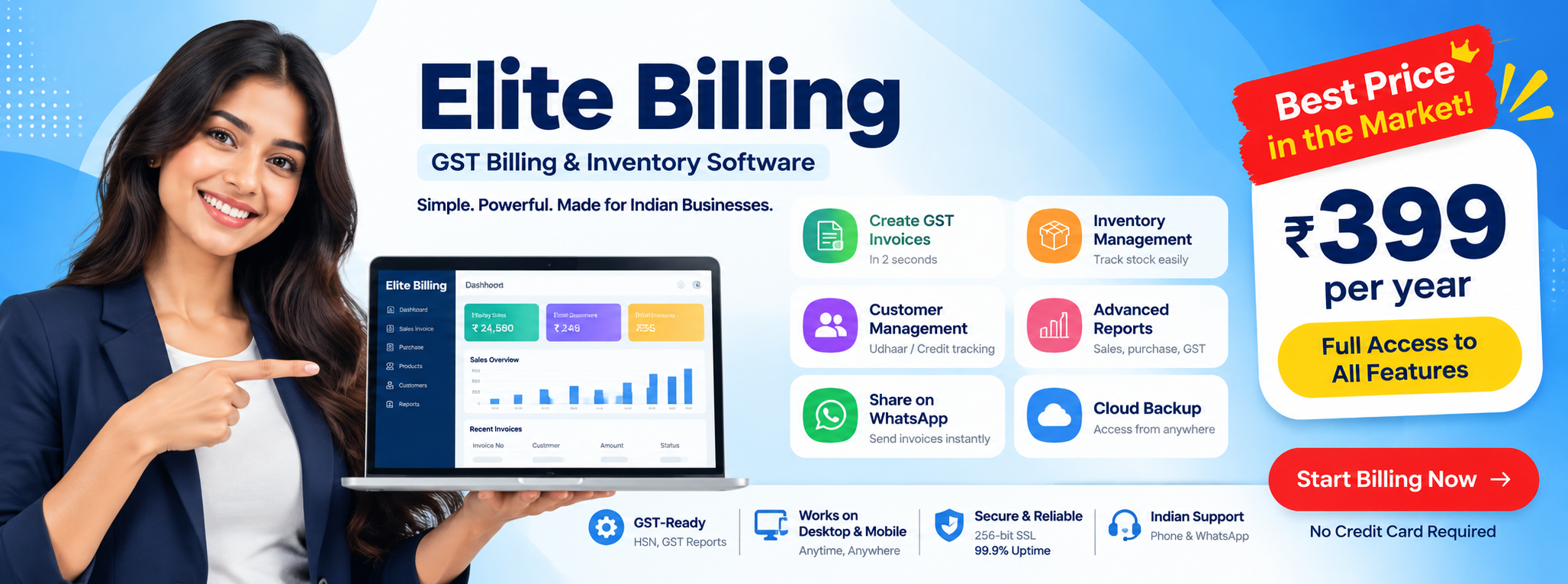
Low Price Billing Software for Small Businesses
Affordable GST billing, inventory and business reports without unnecessary complexity
Small business owners do not want to overpay for software. They want to create accurate invoices, maintain product records, check stock, follow customer dues and review business performance without turning a simple daily task into a technical project. That is the real search intent behind low price billing software.
Try Elite Billing — Just ₹399 Per Year
Affordable billing software for growing businesses.
A low price does not help if the software lacks GST workflows, becomes difficult for staff to use, or adds hidden charges for every useful feature. The better goal is affordable software with a predictable total cost and the practical tools needed by a shop, trader, wholesaler, service business or growing retail counter. This guide explains what to check and how Elite Billing fits the budget-friendly alternative category.
Stop paying for features your business does not use
Try a simple cloud-connected billing workflow with GST, products, stock, customers, suppliers, expenses and reports.
Create Free AccountView Live DemoWhy small businesses overpay for billing software
Many owners begin with a familiar desktop program or a large ERP because it appears to be the safe choice. Over time, the total cost may include annual maintenance, paid upgrades, separate user licences, installation support, hardware dependence, training and additional modules. The exact pricing differs from one product and plan to another, but the decision problem is common: the business pays for a large system even when it only needs reliable billing, stock and reports.
Complexity also has a cost. If staff need specialist knowledge to create a bill or find an invoice, adoption slows down. If the owner must be at one computer to check records, business visibility becomes limited. A useful cheap billing software for small business should reduce both software spend and daily operating friction.
Cheap versus affordable: the difference matters
“Cheap” describes the price shown first. “Affordable” describes the complete value over time. Before choosing a budget billing app, ask:
- Can staff create GST-ready invoices quickly?
- Are products, purchases and stock connected to sales?
- Can the owner access records from the devices used in the business?
- Are customer dues, supplier accounts and expenses easy to review?
- Are reports available without rebuilding the data in Excel?
- Are there limits on users, invoices, exports or important workflows?
- Does the provider explain support, privacy and data access clearly?
If a low entry price creates extra manual work every day, it may not be the lowest-cost choice in practice. The right affordable GST billing software should make the business more efficient as well as cheaper to operate.
Elite Billing: a smart low-cost alternative to legacy software
Elite Billing is designed for small businesses that want a straightforward way to manage their daily operations. Instead of requiring an owner to understand a large accounting system before issuing a bill, the workflow focuses on practical business actions: create invoices, maintain products, record purchases, monitor stock, manage customers and suppliers, track expenses and review reports.
This makes Elite Billing worth considering as a low-cost billing tool with cloud access for businesses whose needs are centred on invoices and operational control. It is not necessary for every business to replace an established accounting process immediately. A sensible comparison starts with invoice volume, product complexity, GST reporting needs, user roles, device access and migration effort.
Key capabilities included in a budget-friendly billing workflow
GST billing and useful reports
Small businesses need more than a plain receipt. GST-ready sales invoices and organized reports make it easier to review transactions, prepare information for an accountant and identify gaps before the end of a tax period. Your tax professional should still validate the final filing treatment for your business.
Products, purchases and stock visibility
When sales and purchase records connect with products, stock becomes easier to understand. Sales can reduce quantities and purchase entries can increase them for existing products. This is valuable for retailers and traders that do not want to maintain a second stock book after billing.
Cloud access on mobile and desktop
A cloud-connected system helps the owner review business information away from the counter and reduces dependence on one office computer. Mobile access is useful for checking sales, dues, stock or reports while travelling between suppliers, branches and customers.
Multi-user access
A cashier may need to create invoices, a manager may need to review stock, and an accountant may need reports. Secure multi-user access helps divide responsibilities while keeping business data in one place. Before choosing a plan, confirm which roles and permissions are included.
Customer, supplier and expense management
Customer records support repeat sales and credit follow-up. Supplier records help organize purchases. Expense tracking gives the owner a clearer picture of cash movement beyond sales alone. These simple workflows are often the first areas to become scattered when a business relies on notebooks and separate spreadsheets.
How to compare Elite Billing with your current software
A good comparison is based on fit, not brand familiarity. Make a short list of the work your business performs in a normal week and test both options against it.
| Business need | What to compare |
|---|---|
| Daily billing | Invoice speed, product search, GST fields and staff usability |
| Inventory | Purchase entry, sales updates, stock overview and product reports |
| Owner access | Mobile and desktop access, cloud availability and account controls |
| Total cost | Plan price, users, support, upgrades, migration and training effort |
Businesses should also export or preserve important records according to their accounting and legal requirements. A low price is valuable only when the software remains dependable and the business can operate confidently. For a product-by-product TallyPrime feature and licence comparison, read our guide to free Tally alternatives for small businesses.
Can you switch from existing software, Excel or paper ledgers?
Yes, but migration should be planned. Start by cleaning the product list, removing duplicates, confirming customer names and phone numbers, reviewing supplier records, checking outstanding credit and deciding the opening stock date. Keep a backup of the old records, run a short parallel test and train the person who will create invoices every day.
Small businesses do not have to migrate every historical detail on the first day. A phased approach can be easier: bring in active products and customers, confirm opening balances, begin new billing in the chosen system and retain old records for reference. This keeps the change manageable while giving the owner a clean starting point.
What many businesses miss when choosing the lowest-priced option
One of the biggest mistakes in buying low price billing software is focusing only on the sticker price and ignoring workflow friction. A software plan may look attractive at first, but if the interface is slow, reports are confusing, or GST data is hard to extract, the daily workload increases. That hidden cost can affect the owner, cashier, sales staff and accountant all at once.
Another mistake is assuming that every business has the same needs. A small retail shop with one counter has different requirements from a distributor with multiple products, supplier billing and customer credit. A low-cost solution that works well for a service business may not be enough for a trader with stock movement and product-level reporting. This is why affordability should be judged against real operational use rather than just marketing claims.
Businesses should also watch for hidden pricing. Some platforms advertise a very low base cost but then charge extra for number of users, GST features, reporting, export access, or cloud support. Before committing, ask what is included in the plan and what requires an upgrade. A solution that is easy to buy but hard to scale may not remain affordable after the first few months.
How to decide if a budget billing app is actually worth it
Before choosing a billing tool, create a short checklist of the tasks the business completes most often. Then compare each option against those tasks as if they were part of a normal working day. For example, if your team creates invoices every day, check invoice speed, product lookup, discount handling, customer selection and tax calculation. If stock movement matters, then product updates, sales deductions and purchase tracking should be part of the decision.
It also helps to review the time saved. If the software reduces double entry, decreases missing data and makes reports ready for review, its value is greater than the monthly or yearly price suggests. By contrast, a cheaper app that creates manual work or leaves important records scattered across spreadsheets will not save money in the long run.
For many Indian small businesses, a good system is the one that is simple enough for daily use, but complete enough to support GST, customer records, supplier management, stock and operational visibility. That is the real benchmark for a reasonable low-cost billing software decision.
When Elite Billing makes sense
Elite Billing is a practical fit for businesses that want a modern, simple flow without the complexity of a full enterprise system. It suits owners who need a clear invoice process, a place to track products and stock, a way to record purchases and expenses, and a simple dashboard for reviewing the health of the business. In many cases, this is exactly what a small business needs when budgets are tight and operations must remain simple.
If your business is growing but still not ready for a large accounting platform, a budget-friendly billing tool can be the right move. It helps reduce paperwork, improves consistency and makes important business data easier to access. The goal is not to chase the absolute lowest price on paper. The goal is to choose a system that supports stable operations and better business decisions.
That is why the best choice is often the one with the right mix of price, usability, GST support, stock visibility and low daily friction. The right billing software should help the business save time, not just money.
Frequently Asked Questions
What should low price billing software include?
It should include the core workflows your business needs: GST-ready invoices, products, purchases, stock, customer and supplier records, expenses, reports and practical support. Check whether important features are included in the plan you are considering.
Is low price billing software secure for business data?
Security should be evaluated separately from price. Review account controls, user permissions, privacy information, backups, support and the provider’s process for protecting and accessing business data.
What should I compare before choosing low price billing software?
Compare the price with the features, users, support, setup, migration and reporting your business will need. For a product-by-product TallyPrime comparison, see our guide to free Tally alternatives.
How do I move from existing software or Excel to a budget billing app?
Clean your product and customer data, review opening stock and dues, back up records, test the new workflow and train staff before making it the primary billing system.
Is the cheapest billing app always the best choice?
No. A product is affordable when its total cost, reliability, usability and workflow coverage make sense for the business. Missing reports or difficult daily use can cost more than a modest subscription.
Conclusion: choose value, not just the lowest number
The best budget billing app gives a small business the right foundation without forcing it to pay for unused complexity. GST billing, stock visibility, customer credit, supplier purchases, expenses, reports, cloud access and multi-user workflows should be evaluated together.
Elite Billing gives Indian small businesses a practical low-cost starting point for connected billing and operations. View a free live demo or create an account and compare the workflow with the way your business works today.