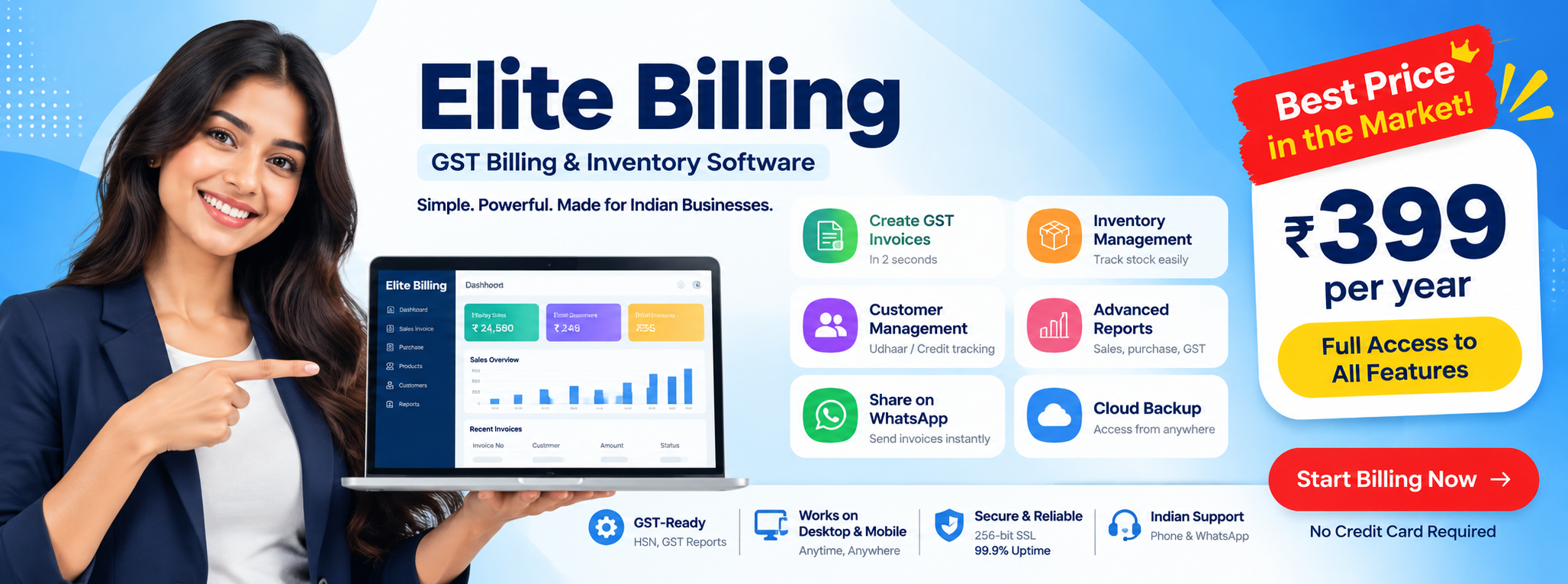
Billing Software with Stock Management for Small Businesses
Useful for retail shops, wholesalers, mobile stores, supermarkets, traders, and GST-registered businesses across India
If you are evaluating billing software with stock management, the key question is simple: does the software only create invoices, or does it actually help you control stock, purchases, product movement, and day-to-day business decisions from one place?
Try Elite Billing — Just ₹399 Per Year
Affordable billing software for growing businesses.
Many businesses still use one tool for billing and another for stock, or depend on Excel after issuing invoices. That creates mismatches, slower reporting, duplicate work, and poor visibility into what is selling and what needs to be reordered.
This guide explains what strong billing software with inventory management should do, why connected billing and stock control matter, and how Elite Billing helps businesses run a cleaner GST-ready workflow.
What good billing plus stock software should solve
GST invoices, stock updates, purchase entry, low-stock visibility, product performance, and cloud access.
A reliable system should reduce manual errors and give owners cleaner control over daily operations.
Try Elite Billing Free See Live DemoWhy billing software with stock management matters
Billing alone is not enough when the business needs accurate product counts, supplier records, reorder awareness, and performance reporting. If every invoice is not connected to stock movement, the numbers become unreliable quickly.
- Sales should reduce stock automatically so you do not oversell.
- Purchase entries should increase stock so inventory reflects real availability.
- Returns and adjustments should stay visible so counts remain accurate.
- Reports should explain what is moving so owners can make better buying decisions.
For many small businesses, better stock discipline directly improves cash flow, reduces dead stock, and prevents missed sales due to poor reorder timing.
Retailers with sizes, colours, and seasonal collections can apply these principles through billing software for boutique stores. For a practical operating checklist, continue with these inventory management tips for retailers.
Who should use billing software with inventory management
- Retail shops and supermarkets
- Wholesale distributors
- Mobile, electronics, and hardware stores
- Kirana and provision stores
- Garment and footwear shops
- GST-registered small businesses
- Businesses switching from Excel or manual billing
- Owners who want billing and stock in one system
What billing software with stock management should include
1. GST-ready invoice generation
The software should create clean tax-ready invoices with product details, pricing, and customer information without repeated manual entry.
2. Real-time stock updates
Inventory should change automatically when items are sold, purchased, returned, or adjusted. This is the core reason to choose connected billing and stock software.
3. Purchase invoices and supplier tracking
Good inventory control depends on clean purchase records. Without supplier-side data, owners cannot trust stock value, buying patterns, or replenishment decisions.
4. Low-stock visibility
Businesses need to see when products are running low before counters are affected. Low-stock awareness improves reorder timing and protects sales continuity.
5. Product-level reporting
Billing software should show which products are moving, which products are slow, and how stock decisions affect margin and cash flow over time.
6. Cloud access across devices
Owners increasingly expect access from mobile, desktop, tablet, or laptop. Cloud access also reduces the operational risk of depending on one local machine. If mobile-first access is part of the workflow, compare a mobile billing app for business alongside your main stock and billing setup.
Manual stock tracking vs connected billing software
| Area | Manual or Excel Workflow | Connected Billing Software |
|---|---|---|
| Billing | Separate from stock records | Linked to product movement |
| Inventory updates | Manual and delayed | Automatic after each transaction |
| Purchase visibility | Often incomplete | Recorded inside the same workflow |
| Reporting | Delayed and harder to trust | Faster and more actionable |
| Backup and access | Dependent on files and devices | Cloud-based access and backup |
Why cloud billing and inventory software is stronger
Cloud-based billing software with stock management gives businesses a cleaner operating model. Instead of depending on one desktop or scattered files, owners can review sales, stock, purchases, and reports from a central system.
- Access business data from multiple devices
- Maintain cleaner backups than local-only files
- Support multi-branch or multi-user operations more easily
- Keep owners closer to daily performance even when away from the counter
If you are also evaluating billing software in Tamil Nadu or online billing software for shop management, cloud inventory control is one of the biggest operational advantages to compare.
Why Elite Billing is a practical fit
Elite Billing helps businesses keep GST billing, stock control, quotations, purchase invoices, customer records, and reporting together. That matters because most small businesses do not have time to maintain separate systems for each workflow.
- GST-ready billing workflow
- Inventory and stock movement support
- Purchase entry and supplier records
- Cloud access for daily review
- Useful for general retail and verticals like mobile and electronics shops and hardware stores
- Role-based access support through multi-user workflows
How to implement better stock control
- Clean your product list: standardize names, units, tax details, and opening quantities.
- Import or enter current stock: start with a usable opening balance instead of guessing later.
- Record all purchase entries: inventory accuracy depends on purchase discipline.
- Bill through the system consistently: bypassing the software breaks stock trust.
- Review reports weekly: watch fast-moving, slow-moving, and low-stock items.
Businesses shifting from notebooks, Excel, or fragmented tools should also review this billing software migration guide before implementing stock-linked billing in production.
Common mistakes businesses make
- Using billing software without recording purchases properly
- Maintaining stock in a separate sheet after billing
- Skipping regular stock review and adjustments
- Buying products without checking movement reports
- Choosing software based only on price instead of workflow fit
Frequently Asked Questions
What is billing software with stock management?
It is software that combines invoice generation, inventory tracking, purchase entry, stock updates, and business reporting in one connected system.
Who should use billing software with inventory management?
Retailers, wholesalers, traders, supermarkets, hardware stores, mobile shops, and GST-registered small businesses can all benefit from it.
Can stock update automatically after billing?
Yes. In a connected system, sales can reduce stock automatically while purchase entries, returns, and adjustments update inventory accordingly.
Is cloud billing better than manual stock tracking?
In most cases, yes. It gives better visibility, access across devices, cleaner backups, and tighter integration between invoices, stock, and reports.
Can I migrate from Excel or manual billing?
Yes. Most businesses can begin by cleaning their product list, entering opening stock, and importing structured data where needed.
If you are comparing inventory workflows across products, see our Elite Billing and Vyapar comparison for a fair look at stock, offline access and plan differences.
If you are comparing a dedicated invoicing app with stock-linked billing, read our Zoho Invoice alternative comparison and check which inventory workflows each product includes.
Conclusion: billing and stock should not be separate systems
If you are searching for billing software with stock management, do not settle for software that only prints invoices. The real value comes from connected stock updates, purchase visibility, product-level reporting, and a workflow your staff can follow consistently.
Elite Billing gives businesses a practical path to run GST billing, inventory, purchases, and day-to-day reporting in one place.
Looking for billing software with stock management?
Create Your Free Elite Billing Account Now
Built for modern Indian businesses