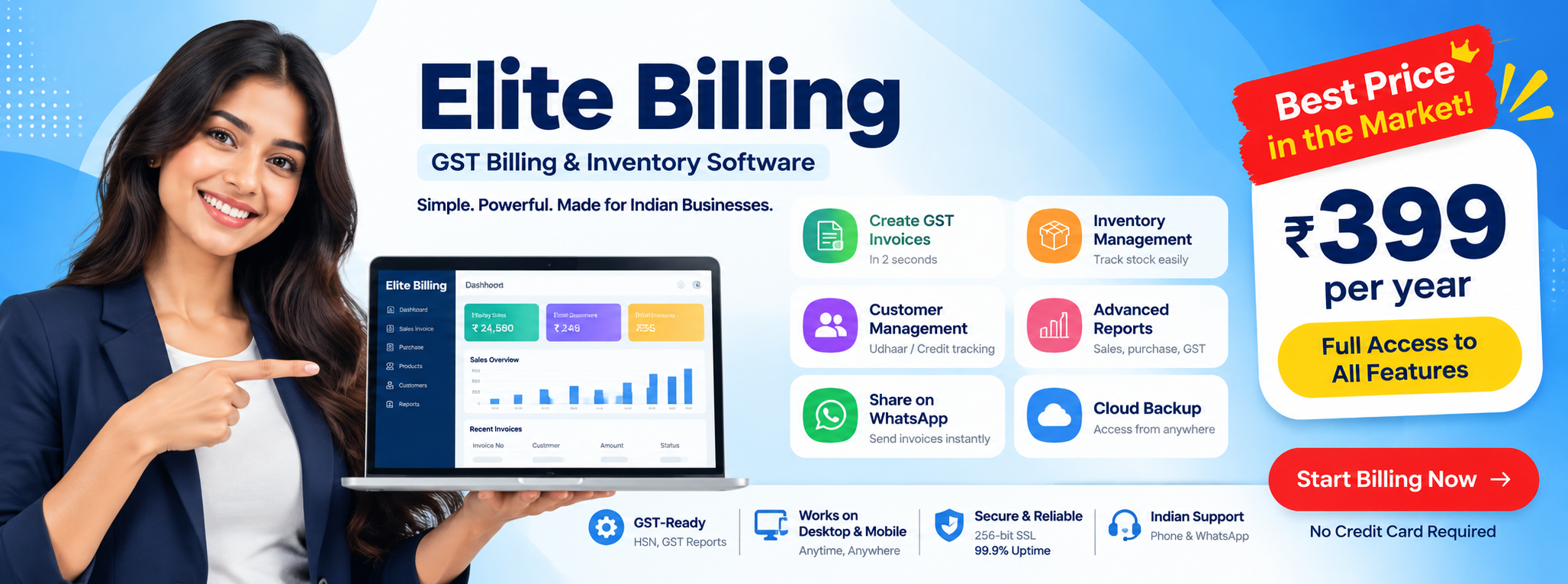
Mobile Billing App for Business in India
If you are searching for a mobile billing app for business, the main need is usually mobility with control. Business owners want to create invoices, check sales, review stock, and stay connected even when they are away from the main billing counter.
This page is designed for search intent such as mobile billing app India, mobile billing app for business, and GST mobile billing app. It focuses on phone-first billing and business mobility rather than broader browser-based shop management.
Try Elite Billing — Just ₹399 Per Year
Affordable billing software for growing businesses.
Who should use a mobile billing app?
- Retail shop owners who want billing access from phone or tablet
- Traders and wholesalers who travel between office, warehouse, and customer visits
- Service businesses that issue invoices on the move
- Field sales teams that need quick billing and customer access
- Owners who want to monitor business activity away from the main system
Why mobile billing apps matter for Indian businesses
Desktop-only billing creates a dependency on one location. Many businesses now need day-to-day visibility outside the office or counter. A mobile billing app reduces that dependency and helps billing stay connected to real business movement.
- Owners can review business activity while traveling
- Invoices can be created faster in field or mobile scenarios
- Stock-linked workflows become easier to monitor
- Reports and payment status can be checked quickly
- Teams gain more operational flexibility
What a mobile billing app should include
- GST-ready invoice creation
- Product and customer record access
- Sales report visibility
- Inventory support or stock-linked billing
- Cloud sync or connected data access
- Practical usability on phone screens
If you need stronger stock-linked operations or tax-oriented workflows, compare billing software with stock management and GST compliance software features alongside the mobile app experience.
GST mobile billing app use cases
In India, many users are not just looking for a general billing app. They want a GST mobile billing app that helps them create tax-ready invoices and keep billing aligned with normal business reporting needs.
- Create GST invoices from mobile
- Access customer GST details when needed
- Review tax-related sales records
- Support billing continuity beyond one desktop setup
Where a mobile billing app helps most in daily business
Mobile billing is most valuable when the owner or staff cannot stay tied to one fixed counter. In practice, that happens more often than businesses expect.
- At the shop floor: staff can check product or customer details quickly without walking back to a separate system.
- During delivery or field visits: invoices and confirmations can move faster when billing access is already on the device.
- Between warehouse and counter: owners can verify stock-related details without depending on verbal updates.
- While traveling: business performance, invoices, and payment status remain visible without waiting to return to the office.
- In service-oriented businesses: staff can review customer details, issue history, and billing follow-up from the same mobile workflow.
This is where a mobile-first billing experience becomes more than convenience. It starts to improve operational speed and decision clarity.
Mobile billing app vs browser-based online billing
| Focus area | Mobile billing app | Online billing software |
|---|---|---|
| Primary use | Phone-first billing and quick access | Browser-based business operations |
| Strength | Mobility and on-the-go visibility | Broader shop workflow coverage |
| Common user intent | Billing from phone or tablet | Connected billing across devices |
What to check before choosing a billing app for mobile use
Not every billing product that opens on a phone delivers a good mobile billing experience. Businesses should check usability, speed, and workflow fit before deciding.
- Check whether invoices can be created comfortably on a small screen.
- Confirm product search, quantity entry, and customer selection feel fast enough in real use.
- Review whether reports are readable on mobile or only usable on larger devices.
- Ask whether stock updates and billing data stay connected across devices.
- Check user access, support quality, and any limitations tied to mobile usage.
If the business needs deeper browser-based workflows in addition to phone access, compare this page with online billing software for shop management before choosing based on “mobile” wording alone.
How this page differs from the other billing pages
This page is about mobile-first billing intent. It is different from the broader billing software in Tamil Nadu page and different from the online billing software for shop management page, which focuses more on browser-based business operations.
If your main question is pricing, look at affordable billing software in India. If your main question is general software evaluation, read how to choose billing software in India.
What makes a mobile billing app useful in practice
- Fast access to invoice creation without returning to the desktop
- Useful product, customer, and payment visibility
- Enough clarity on smaller screens
- Connected reports for quick decisions
- Operational continuity while traveling or working remotely
Why business mobility matters
Many small businesses do not operate from one fixed desk all day. Owners move between the shop, warehouse, suppliers, and customer calls. A mobile billing app matters because it keeps billing and visibility close to the owner instead of tied to a single machine. Teams that also need shared access should review multi-user billing software as part of the same decision.
Common mistakes when businesses choose a mobile billing app
- Confusing mobile access with full workflow quality: just because an app opens on a phone does not mean daily billing is smooth.
- Ignoring stock and report depth: owners often focus only on invoice creation and forget stock review, purchases, and business visibility.
- Not checking who will actually use it: an owner, counter staff, field salesperson, and service team may all need different mobile actions.
- Skipping connected-device thinking: many businesses still need mobile, desktop, and browser access together rather than phone-only usage.
A strong mobile billing app is not just portable. It should still support real billing, business visibility, and connected operations.
Explore mobile billing for your business
Compare how phone-based billing access can support GST invoicing, quick reporting, and mobile business workflows.
Create Free Account View Live DemoUseful for Indian businesses that want billing on the go
FAQ
What is a mobile billing app for business?
A mobile billing app for business allows shops and small businesses to create invoices, manage products, track payments, review reports, and handle billing tasks from a phone or tablet.
Can a mobile billing app support GST billing in India?
Yes. A GST-ready mobile billing app in India can support invoice creation, tax calculation, customer GST details, and reporting workflows directly from a mobile device.
Who should use a mobile billing app?
Retail shops, traders, service businesses, field sales teams, and owners who need billing access away from the main counter can benefit from a mobile billing app.
How is a mobile billing app different from general online billing software?
A mobile billing app focuses on phone-first billing, quick invoice access, and business mobility, while broader online billing software pages often focus on browser-based shop operations across multiple devices.
Conclusion
If you are searching for a mobile billing app for business in India, focus on whether it gives real mobility without losing billing control, GST readiness, or report visibility.
This page now serves as the mobile-first page in the billing cluster, while the online billing, affordability, and general billing pages keep their own separate search intent.