How to Choose Billing Software in India
Choosing billing software in India should not start with marketing claims or price alone. It should start with how your business actually bills customers, tracks stock, handles GST, records purchases, and reviews reports day to day.
Many businesses choose software too quickly, then discover that billing is slow, stock is disconnected, migration is messy, or staff do not use the system consistently. A better buying decision comes from evaluating workflow fit before committing.
Try Elite Billing — Just ₹399 Per Year
Affordable billing software for growing businesses.
If invoice presentation matters in your selection process, compare whether the system gives you a free invoice generator without watermark or uses your customer-facing invoices for third-party branding.
This page is designed for users searching how to choose billing software in India, choose billing software India, and billing software buying guide India.
What to evaluate before choosing
- GST billing and invoice workflow
- Inventory and stock management needs
- Cloud access and multi-device use
- Reports, quotations, and purchase records
- Migration, onboarding, and support quality
- Pricing model and long-term business fit
See a real billing workflow before you decide
Use demos and structured evaluation, not assumptions, before selecting billing software for your business.
See Live Demo Try Elite BillingGST Ready · Inventory Support · Cloud Access · Structured Onboarding
Why billing software matters for Indian businesses
Billing software is not only about generating invoices. In most small businesses, it also affects stock movement, sales speed, customer records, quotations, supplier entries, GST summaries, and reporting accuracy.
- GST-ready billing improves invoice accuracy
- Connected stock updates reduce mismatch
- Reports improve buying and pricing decisions
- Cloud workflows reduce dependency on one computer
- Better record keeping improves daily control
That is why the right billing software can improve operations far beyond the billing counter.
Step 1: identify your business workflow first
Before comparing software, define your business type and workflow requirements clearly.
- Retail shops may need fast counter billing and stock control
- Wholesalers may need purchase-heavy workflows and margin visibility
- Service businesses may need job cards and customer follow-up
- Vertical shops may need specialized workflows such as mobile shop billing or laptop shop billing
If you skip this step, you are more likely to choose software based on generic claims rather than practical fit.
Step 2: check GST billing and compliance readiness
For many Indian businesses, GST readiness is a baseline requirement. The software should support invoice-level tax handling, organized reporting, and cleaner compliance workflows.
- GST invoice generation
- Tax-ready billing structure
- HSN and SAC usage where relevant
- Reporting support for tax review
If GST handling is important to your workflow, review GST compliance software features as part of your selection process.
Step 3: evaluate inventory and purchase workflows
Billing and inventory should not stay disconnected. If invoices happen in one tool and stock is tracked somewhere else, reporting becomes harder to trust.
- Check whether stock updates after sales and purchases
- Review low-stock visibility and product tracking
- Confirm purchase entries and supplier records are supported
- Make sure the workflow fits your product volume
If stock control matters heavily, compare billing software with stock management before deciding.
If your business handles fashion products, sizes, colours, or seasonal collections, also review this guide to billing software for boutique stores before choosing a general-purpose workflow.
Step 4: choose the right access model
Many businesses still underestimate the operational difference between cloud and older desktop-only software.
| Area | Cloud Workflow | Older Offline Workflow |
|---|---|---|
| Access | Available across supported devices | Often tied to one system |
| Backup | Cleaner centralized backup | Higher local dependency |
| Owner visibility | Easier remote review | Usually limited |
Step 5: review migration and onboarding support
Migration quality is part of software quality. If your products, customers, suppliers, and opening stock cannot move cleanly, adoption slows down immediately.
- Ask how Excel imports work
- Check whether old data can be structured and moved
- Confirm what onboarding help is available
- Evaluate whether staff can learn the workflow quickly
Businesses moving from spreadsheets or older tools may also want to review the manual-to-digital migration guide.
Step 6: compare pricing the right way
Do not compare only the starting number. Compare the pricing model against what the software actually includes and how it fits your future workflow.
- Check whether billing, stock, and reports are included together
- Review renewal, subscription, or add-on patterns
- Ask whether multi-user, cloud access, or support changes the cost
- Consider whether a free or lower-cost plan fits your stage
If pricing is your main comparison angle, look at affordable billing software in India separately from this decision guide.
If you are specifically comparing a free option with TallyPrime, read our Tally alternative comparison for small businesses for current plan terms, product fit and checks to make before switching.
A simple buyer checklist before final selection
By the time a business shortlists two or three options, the decision usually becomes easier if the same checklist is used across all of them.
- Does the billing flow match your actual daily invoice process?
- Are stock, purchases, and reports connected in a way your team can trust?
- Is GST handling clear enough for the level of compliance you need?
- Can owners and staff use the software comfortably without heavy workaround habits?
- Is the pricing model still reasonable after support, users, and growth needs are considered?
- Does the vendor offer migration and onboarding help that fits your current setup?
This helps the business compare software on practical criteria instead of brand familiarity or sales claims alone.
Questions to ask during a billing software demo
Many buyers attend demos but do not ask enough workflow-focused questions. A good demo should reveal whether the product fits the business, not just whether the screen looks modern.
- How quickly can a normal bill be created during a busy hour?
- How are products, stock, and purchase entries handled together?
- What reports can an owner check daily without extra manual work?
- What happens when multiple staff members need access?
- How are migration, setup, and first-week support handled?
- Which features are included now, and which require higher plans later?
Common mistakes businesses make while choosing billing software
- Choosing based only on price or advertising
- Ignoring GST and reporting requirements
- Not checking inventory and purchase workflows
- Skipping migration and onboarding questions
- Not testing the software through a demo
- Choosing generic software for a specialized retail workflow
How to decide between two similar software options
When two products look similar on paper, the better choice is often the one that reduces operational friction more clearly.
- Prefer the option that matches your actual billing and stock workflow more closely.
- Prefer the option your staff can understand faster.
- Prefer the option with cleaner migration and onboarding support.
- Prefer the option with clearer pricing and fewer hidden dependencies.
- Prefer the option that makes day-to-day control easier for the owner, not only the demo presenter.
That is often the difference between software that looks good during evaluation and software that actually works after one month of use.
Why Elite Billing fits this decision framework
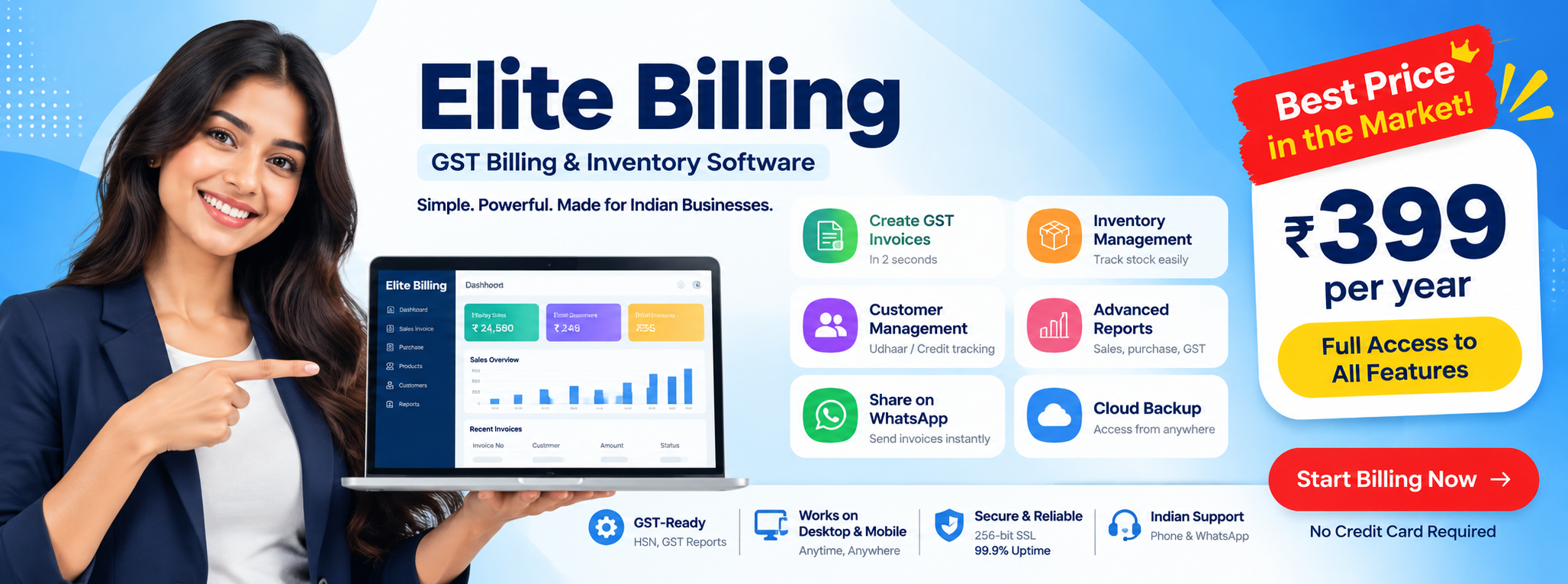
Elite Billing is useful for businesses that want GST-ready billing, stock-aware workflows, quotations, purchase records, cloud access, and structured onboarding in one system. Instead of treating billing, inventory, and reporting as separate steps, the platform helps keep them connected.
- GST-ready billing workflows
- Inventory and stock management support
- Quotations and purchase entries
- Cloud access for owners and staff
- Support for business growth beyond manual billing
Businesses comparing broader options like billing software in Tamil Nadu or vertical pages such as mobile shop billing software can use this page as the main buying-framework guide.
FAQ
What should I check before choosing billing software in India?
Before choosing billing software in India, businesses should evaluate GST billing, stock management, reporting, cloud access, migration support, security, pricing model, and business fit.
Is cloud billing software better than offline billing software?
Cloud billing software usually offers better multi-device access, backup, and operational visibility than offline setups, especially for growing businesses.
Do small businesses in India need GST-ready billing software?
Businesses that need GST invoices, tax-ready billing workflows, or cleaner reporting should evaluate GST-ready billing software instead of relying on manual billing.
How important is migration support when selecting billing software?
Migration support is important because businesses often need to move products, customers, suppliers, and stock data from Excel or older software into the new system.
Built for Indian Businesses
Elite Billing is developed for Indian business workflows with GST-ready billing,
inventory support, and cloud access. Review the
Security Policy and
Privacy Notice
for platform details.
When comparing familiar billing tools, use our Vyapar alternative comparison to check how free-plan terms, offline access, inventory and accounting features affect the decision.
For a free invoicing comparison, see our Zoho Invoice alternative guide, which compares invoice limits with billing and stock workflows.
Conclusion: choose based on workflow, not only claims
If you are deciding how to choose billing software in India, focus on workflow fit first: GST billing, inventory, purchase records, cloud access, migration, and long-term usability. Those are the factors that matter after the demo is over.
Elite Billing is a practical option for Indian businesses that want one connected system for billing, stock, and reporting without unnecessary operational complexity.
Ready to evaluate the fit for your business?
Book a live demo | Contact the team