Multi-User Billing Software in Tamil Nadu
If you are searching for multi-user billing software in Tamil Nadu, the main need is usually operational control. Businesses with more than one staff member, more than one counter, or more than one branch need billing software that can separate access without breaking workflow.
This page is designed for search intent such as multi-user billing software Tamil Nadu, role based billing software Tamil Nadu, and multi counter billing software Tamil Nadu. It focuses on staff access, counters, branches, approvals, and user control rather than general billing alone.
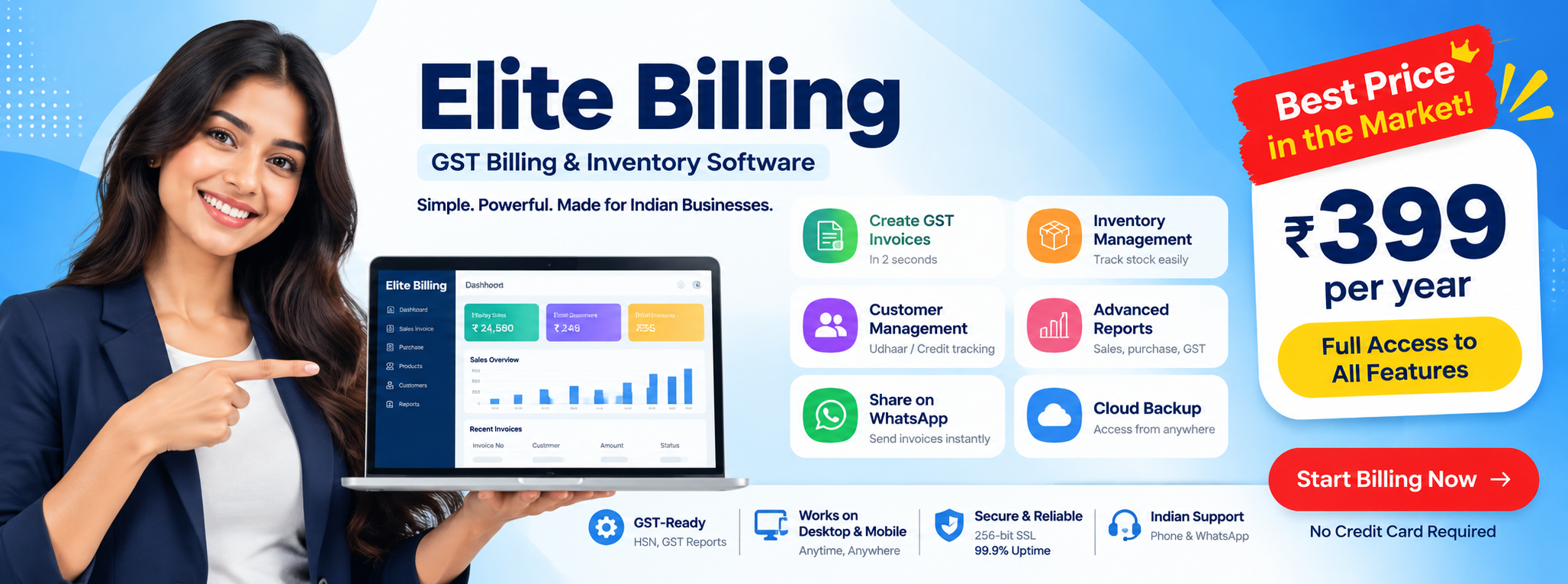
Try Elite Billing — Just ₹399 Per Year
Affordable billing software for growing businesses.
For businesses in Chennai, Coimbatore, Tiruppur, Erode, Salem, Madurai, Trichy, Vellore, and other Tamil Nadu districts, multi-user workflows matter when billing is shared across counters, offices, warehouses, or accounts teams.
Who usually needs multi-user billing software?
- Retail shops with more than one billing counter
- Supermarkets and provision stores with multiple staff users
- Textile traders handling office, warehouse, and sales workflows
- Wholesalers and distributors managing branches or godowns
- Electronics, mobile, and laptop dealers with role separation needs
- Businesses where owners, accountants, and cashiers need different permissions
Why single-user billing setups become a problem
Single-login or desktop-only systems may work at the beginning, but they create friction as teams grow. Staff start sharing passwords, counter billing gets delayed, stock updates happen inconsistently, and owners lose confidence in who changed what.
- Only one person can work comfortably at a time
- User actions are harder to track
- Counter work and accounts work can clash
- Stock and reporting may fall out of sync
- Permissions are often too broad for real business use
What multi-user billing software should solve
1. Multiple counters using the same system
Shops with more than one billing point need simultaneous access so queues do not build up around a single operator.
2. Role-based staff permissions
Cashiers should not see everything owners see. Accountants may need reports without full control over product pricing or discount workflows.
3. Branch and location separation
Businesses with more than one branch or godown need location-aware stock, billing, and reporting visibility.
4. Approval control
Discount-heavy businesses or credit-based sales often need some actions reviewed or limited to higher roles.
5. User activity visibility
Multi-user systems should help businesses understand which user billed, edited, or processed transactions instead of leaving every action anonymous.
6. Better coordination between billing and accounts
Sales, purchases, reports, and GST workflows need to stay connected when different people handle different parts of the process.
What features matter in role-based billing software
- Separate logins for different users
- Cashier, manager, accountant, and owner-level permissions
- Branch-wise or counter-wise control where needed
- GST-ready invoice generation
- Connected stock and reporting workflows
- Audit-friendly user visibility
- Cloud access for owners and business monitoring
Businesses moving from shared passwords, notebooks, or disconnected desktop setups should also review this billing software migration guide before enabling multiple users across the team.
What role-based access should look like in practice
Multi-user billing software becomes useful only when user permissions match actual business responsibility. A strong setup should let the owner decide who can bill, who can edit, who can view reports, and who can approve sensitive actions.
| User role | Typical access need | Why it matters |
|---|---|---|
| Cashier or billing operator | Create invoices, select products, handle day-to-day billing | Keeps counter billing fast without exposing owner-level controls |
| Manager or supervisor | Review sales, approve discounts, monitor counter activity | Adds oversight without giving full system control to every user |
| Accountant or office team | Reports, purchase entries, GST-related workflows, reconciliation | Separates accounts tasks from live counter billing |
| Owner | Full visibility, user control, settings, branch-level review | Protects strategic controls and sensitive business data |
Common mistakes businesses make with multi-user billing
- Sharing one login across the team: this removes accountability and makes error tracking difficult.
- Giving everyone full access: this often creates avoidable pricing, discount, or stock-control risk.
- Ignoring branch or counter separation: teams lose clarity when billing, stock, and reports are not scoped correctly.
- Not reviewing user activity: a multi-user setup should improve control, not just increase the number of logins.
- Assuming multi-user alone solves everything: stock workflows, reporting, and support quality still matter just as much.
If the business also needs stronger stock accuracy between staff users, compare inventory management practices for retailers together with the software decision.
How this page differs from the other Tamil Nadu billing pages
This page is specifically about shared business usage and permission control. It is narrower than the broader billing software in Tamil Nadu page and different from the online billing software for shop management page, which focuses more on browser-based access and general shop operations.
If your main concern is inventory depth, read billing software with stock management. If your main concern is business-wide software evaluation, read how to choose billing software in India.
How Tamil Nadu businesses search for this topic
Businesses often search with operational phrases such as multi user billing software Chennai, branch billing software Coimbatore, role based billing software Erode, multi counter billing Salem, or billing software for staff access Madurai. This page is designed to support that practical search behavior.
Why multi-user billing matters for growth
As soon as billing is no longer handled by one owner at one desk, software quality starts to affect control. Multi-user access is not just a convenience feature. It helps businesses scale daily operations without losing visibility, speed, or permission boundaries. Owners who also need phone-first visibility can compare a mobile billing app for business with the broader multi-user workflow.
When a business should move from single-user to multi-user billing
Most businesses do not need multi-user access on day one. The shift usually becomes important when one or more of these changes happen:
- More than one person handles billing during the day
- Accounts, purchases, or GST work is handled by a different person than the cashier
- The owner wants visibility without staying at the counter all day
- The business runs multiple counters, branches, or storage locations
- Discount approvals and price control need tighter monitoring
At that stage, moving to multi-user billing is usually less about “extra features” and more about keeping the business organized as daily activity increases.
Explore multi-user billing for your business
Compare how role-based access, multiple counters, and connected workflows can improve billing operations.
Create Free Account View Live DemoUseful for shops, counters, branches, and teams across Tamil Nadu
FAQ
What is multi-user billing software in Tamil Nadu?
Multi-user billing software in Tamil Nadu allows multiple staff members, counters, or departments to use the same billing system with role-based access, reporting control, and connected GST workflows.
Why do businesses need role-based billing access?
Businesses need role-based billing access to separate cashier, manager, accountant, and owner permissions so sensitive data, stock functions, and reports are not exposed to every user.
Is multi-user billing software useful for shops and branches in Tamil Nadu?
Yes. Shops and branches in Tamil Nadu can use multi-user billing software to coordinate multiple counters, stock updates, branch workflows, reports, and GST billing through one connected system.
Which Tamil Nadu businesses usually need multi-user billing software?
Retail shops, supermarkets, textile traders, wholesalers, electronics dealers, distributors, and businesses with multiple staff or branches in Tamil Nadu often need multi-user billing software.
Conclusion
If you are searching for multi-user billing software in Tamil Nadu, focus on whether the software gives the right balance of access, visibility, and control across staff, counters, and branches.
This page now serves as the role-based and multi-user page in the billing cluster, while the broader Tamil Nadu, online billing, and stock-management pages keep their own clearer search intent.