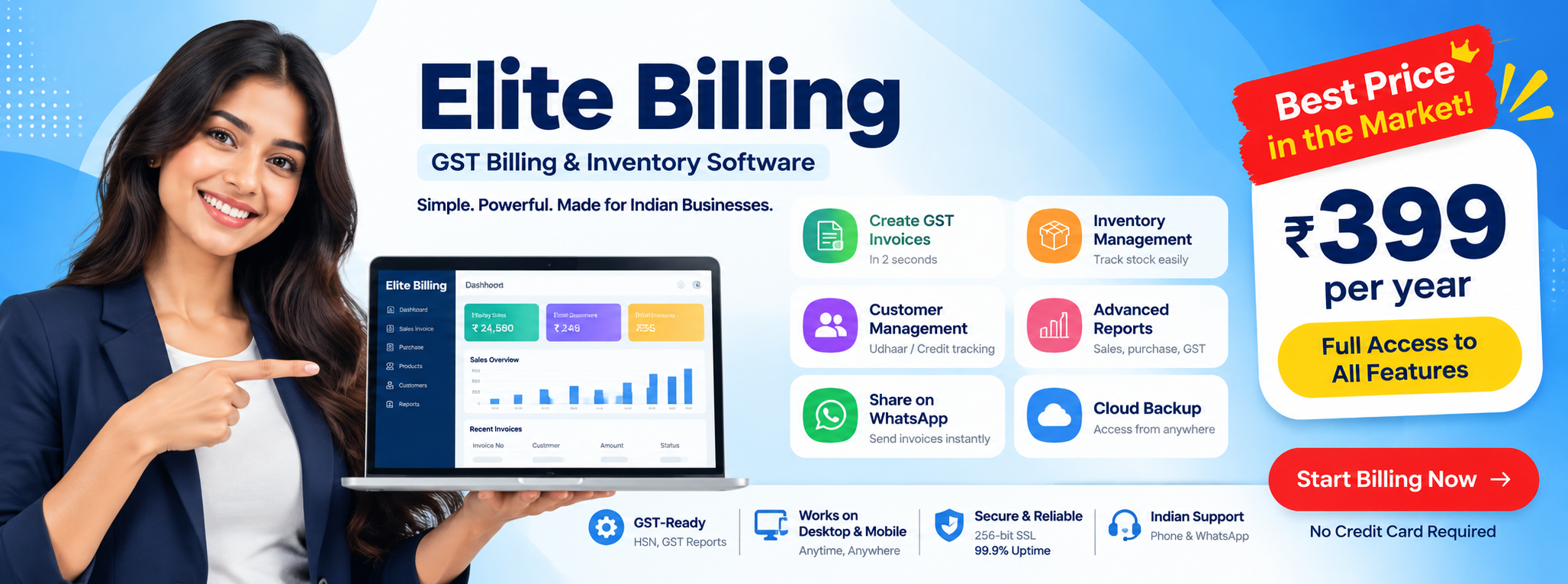
Best Billing Software in Chennai: A Practical Guide | Elite Billing
Looking for the best billing software in Chennai? The right choice should make daily billing faster while keeping stock, GST records, customer dues and business reports in one reliable workflow.
Short answer: there is no single billing system that is best for every Chennai business. A small retail shop needs quick product search and stock updates; a wholesaler needs purchases, quotations and credit tracking; a service business may need appointments and job cards. Elite Billing is a practical option for small and growing businesses that want these workflows together instead of managing invoices, stock and customer records in separate places.
This guide explains what to check before you choose, which features matter for different types of businesses in Chennai, and how to test a billing system using your own products and sales process.
Try Elite Billing — ₹399 Per Year
Simple billing, inventory and business management for growing teams.
What should the best billing software in Chennai do?
Good billing software is more than a tool for printing an invoice. It should connect the work that happens before, during and after a sale. When a product is sold, the invoice, tax details, stock balance, customer history and payment status should remain easy to review.
Use this checklist when comparing billing software in Chennai:
- Fast invoicing: staff can find products, apply the correct tax and finish a sale without repeated manual entry.
- GST-ready records: invoices and reports keep the information your accountant needs organised for review.
- Inventory visibility: sales and purchases update stock so you can see what is available and what needs reordering.
- Customer and supplier history: payments, credit sales, purchases and previous invoices are easier to follow up.
- Multiple users: owners, cashiers, managers and accountants can work with appropriate access instead of sharing one login.
- Useful reports: daily sales, outstanding payments, purchases and stock movement help you make decisions.
- Simple adoption: your team can learn the routine quickly, with support available when the business needs it.
Features to compare before choosing billing software
A product demo can look impressive while hiding the steps your staff will repeat every day. Ask the provider to demonstrate your real workflow, not just a prepared sample invoice.
| Business need | Why it matters | What to test |
|---|---|---|
| Billing and GST | Reduces manual invoice work and keeps tax details consistent. | Create a sale with your actual products, discounts and tax rates. |
| Stock management | Shows whether sales and purchases are reflected in the quantity on hand. | Sell an item, record a purchase and confirm the stock movement. |
| Barcode and search | Helps a busy counter serve customers without typing every product. | Scan or search several products in the order your cashier normally uses. |
| Credit tracking | Makes customer dues visible instead of leaving them in a notebook. | Record a credit sale and check the customer balance and payment history. |
| Reports and access | Gives owners visibility while keeping staff workflows accountable. | Review a daily report and test a cashier or manager login. |
For a broader buying framework, see our guide on how to choose the best billing software in India.
1. Fast billing with barcode and product search
For a retail shop or supermarket, speed at the counter matters. A cashier should be able to scan a barcode or search a product, confirm the quantity and complete the invoice without retyping the same information. Test the system with your actual catalogue, including products with different units, prices and tax rates. A workflow that is fast for five products may feel very different with a large catalogue.
2. GST invoices and accountant-friendly reports
Look for clear invoice fields, consistent product tax settings and reports that can be reviewed with your accountant. Software can organise the records, but it does not replace professional tax advice or remove the need to verify your filing process. Our guide to GST compliance features in billing software explains the practical checks to make.
3. Stock, purchase and supplier records in one place
Billing and inventory should not be separate islands. When a purchase is entered, stock should increase; when a sale is completed, stock should reduce. Supplier records and purchase history also help you understand which products are costing more and when to reorder. If stock accuracy is your main concern, compare the workflow with this guide to billing software with stock management.
4. Customer credit and payment follow-up
Many retail and wholesale businesses sell on credit. The important question is not only whether the software can create an invoice, but whether the owner can quickly see who owes money, which invoices are pending and what payments have already been recorded. This turns customer follow-up into a repeatable process instead of a memory exercise.
5. Multi-user access and accountability
If an owner, cashier, manager and accountant all use the same account, it becomes difficult to understand who changed a record or handled a transaction. Role-based access and separate users are more practical as the team grows. Read more about the use case in multi-user billing software for Tamil Nadu businesses.
6. Cloud-connected access and mobile review
Owners are often away from the counter while suppliers, customers or staff are still working. Cloud-connected access can help authorised users review business information from supported devices. It is worth checking what can be viewed or managed remotely, how user access is protected, and what happens if the internet connection is interrupted.
Which Chennai businesses can benefit most?
Retail shops and supermarkets
Grocery, fashion, footwear, cosmetics and general retail stores usually need quick billing, barcode lookup, stock control and customer history. The best system for these businesses is the one that keeps the counter simple while giving the owner better visibility into fast-moving and slow-moving products.
Wholesalers and distributors
Wholesale workflows involve larger quantities, purchase records, quotations, customer credit and supplier follow-up. A basic invoice generator may create a document, but it will not necessarily help you understand outstanding payments or current stock. Test quotation-to-invoice steps, bulk product entry, purchase updates and customer balances before choosing.
Mobile, electronics and repair businesses
Mobile and electronics shops often need detailed product records, serial or item information, customer history and service follow-up alongside billing. If that is your business, compare a general billing system with the more specific workflow described in billing software for mobile shops.
Service businesses and workshops
Repair centres, service workshops and other appointment-led businesses need more than a sales screen. Appointments, job cards, customer notes and final invoicing help staff explain what was done and what the customer paid for. Choose a platform that fits the service process rather than forcing every job into a product-only invoice.
How Elite Billing fits a typical Chennai workflow
Elite Billing is designed for businesses that want billing, stock and operating records together without taking on a large ERP project. A retail workflow might look like this:
- Add products with their prices, units and tax details.
- Scan or search for items while creating the customer invoice.
- Record whether the sale is paid or on credit.
- Let the sale update the stock record and keep the invoice in the customer history.
- Review sales, purchases, expenses, stock and outstanding payments at the end of the day.
A wholesale business can add quotations, supplier purchases and larger credit workflows. A repair or service business can use customer records, appointments and job cards before creating the final bill. The important benefit is continuity: staff enter information once and the owner can use it in more than one part of the business.
Common mistakes when selecting billing software in Chennai
- Choosing on price alone: a low subscription is not good value if staff spend extra time correcting invoices or stock.
- Testing only a single invoice: include a purchase, a return or correction, a credit sale and a report review.
- Ignoring the product catalogue: use your own products, units, prices and tax settings during the demo.
- Forgetting the accountant's workflow: check how reports are reviewed and shared before committing.
- Sharing one login: separate users make everyday work easier to trace and manage.
- Buying features nobody will use: choose a system your staff can adopt consistently, then add complexity only when the business needs it.
Before you subscribe, ask for a realistic walkthrough. If the provider cannot explain how your daily process will work, the software may not be the right fit, regardless of how polished the demo looks.
FAQ: Best billing software in Chennai
What is the best billing software in Chennai for a small shop?
The best choice depends on the products you sell, the number of users, your GST needs and whether you sell on credit. For many small shops, the minimum useful set is fast invoicing, stock updates, customer history, payment tracking and straightforward reports.
Does billing software in Chennai need inventory management?
Most retail and wholesale businesses benefit from it. When invoices and purchases update stock records, the owner can make better reordering decisions and identify mismatches sooner. A service business that does not hold stock may need fewer inventory features.
Can multiple cashiers use Elite Billing?
Elite Billing supports multi-user access for businesses where owners, cashiers, managers and accountants need to work with the same business records according to their access. Confirm the exact roles and permissions you need during the demo.
Can Elite Billing help track customer credit or Udhaar?
Customer records, invoice history and payment follow-up workflows help Chennai businesses review outstanding dues and keep clearer credit-sale records. You should still define your own credit policy and collection process.
Does Elite Billing support barcode billing and mobile access?
Elite Billing supports barcode-based product lookup and cloud-connected access for authorised users on supported devices. Test the scanner, device and internet setup you plan to use before rolling it out to the whole team.
Does billing software replace an accountant?
No. Billing software helps organise invoices, purchases, stock and reports, but your accountant or tax professional should advise on filing, tax treatment and business-specific compliance decisions.
Conclusion: choose the workflow, not just the software name
If you are searching for the best billing software in Chennai, start with the work your team repeats every day. Can staff create a correct invoice quickly? Does a sale update stock? Can you see customer dues, purchases and daily performance without rebuilding the information in a spreadsheet?
Elite Billing is a strong fit to consider if you want GST-ready invoicing, inventory, purchases, customer and supplier records, credit tracking, multi-user access and business reports in one affordable platform. The right next step is to test it with your own products and process, then decide whether it makes your business easier to run.
Book a live Elite Billing demo or start your account and compare the workflow for yourself.